Movement becomes minutes
Earn minutes by moving.
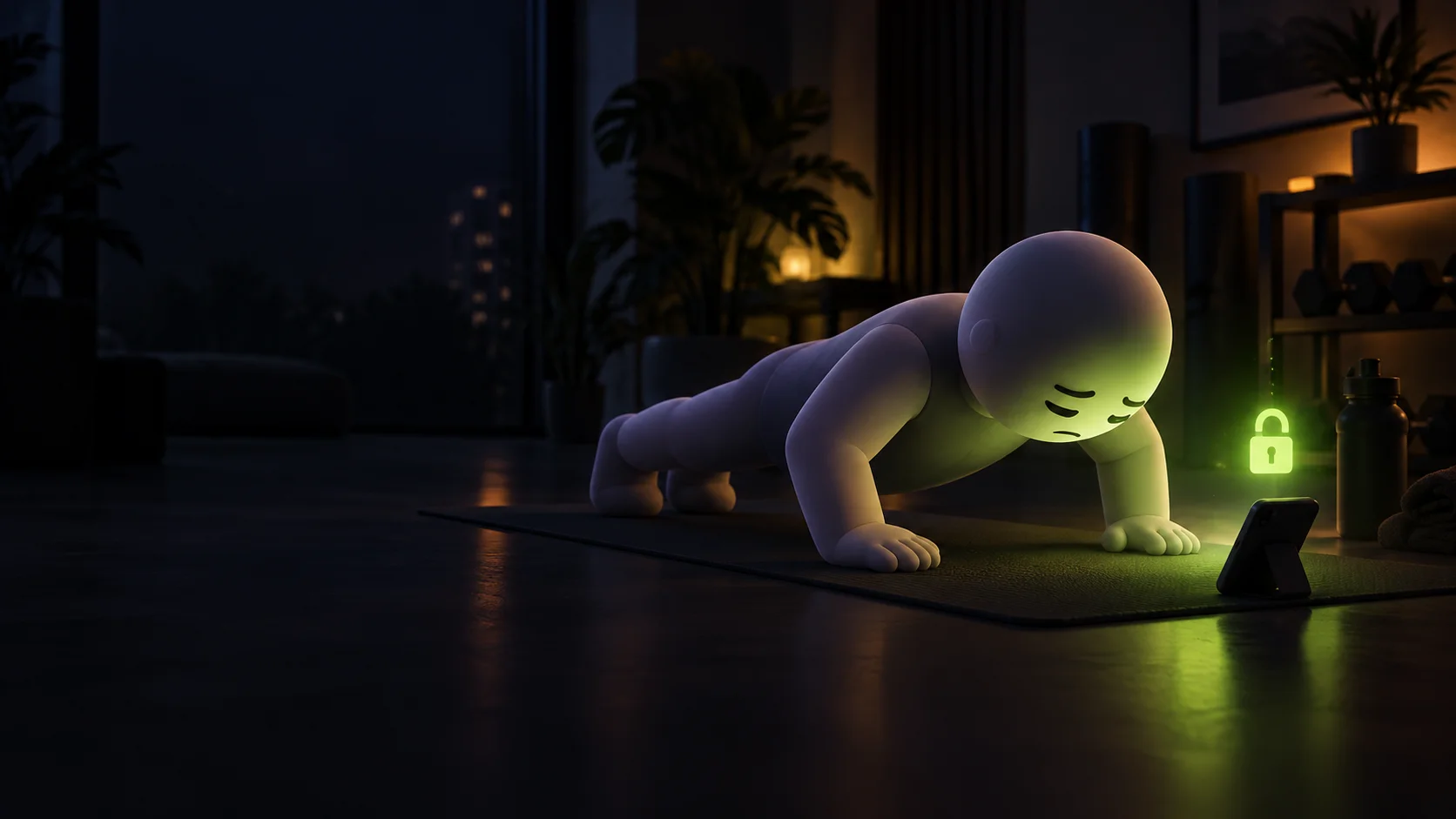
Set your phone down and step into view. On-device pose detection follows your movement, counts your reps, and gives you a live form score as you earn minutes.
Keep distracting apps locked, earn minutes with camera-counted exercise, and spend them on time to scroll.
On your phone. No account. No video uploads.
How it works
One small loop. A choice you make each time.
Pick the apps that pull you in. They stay behind a block until you start an unlock session.
Set your phone down, step into view, and exercise. The camera counts your reps on the device and you earn minutes.
Choose an unlock duration and spend your minutes. When that time ends, the block returns.
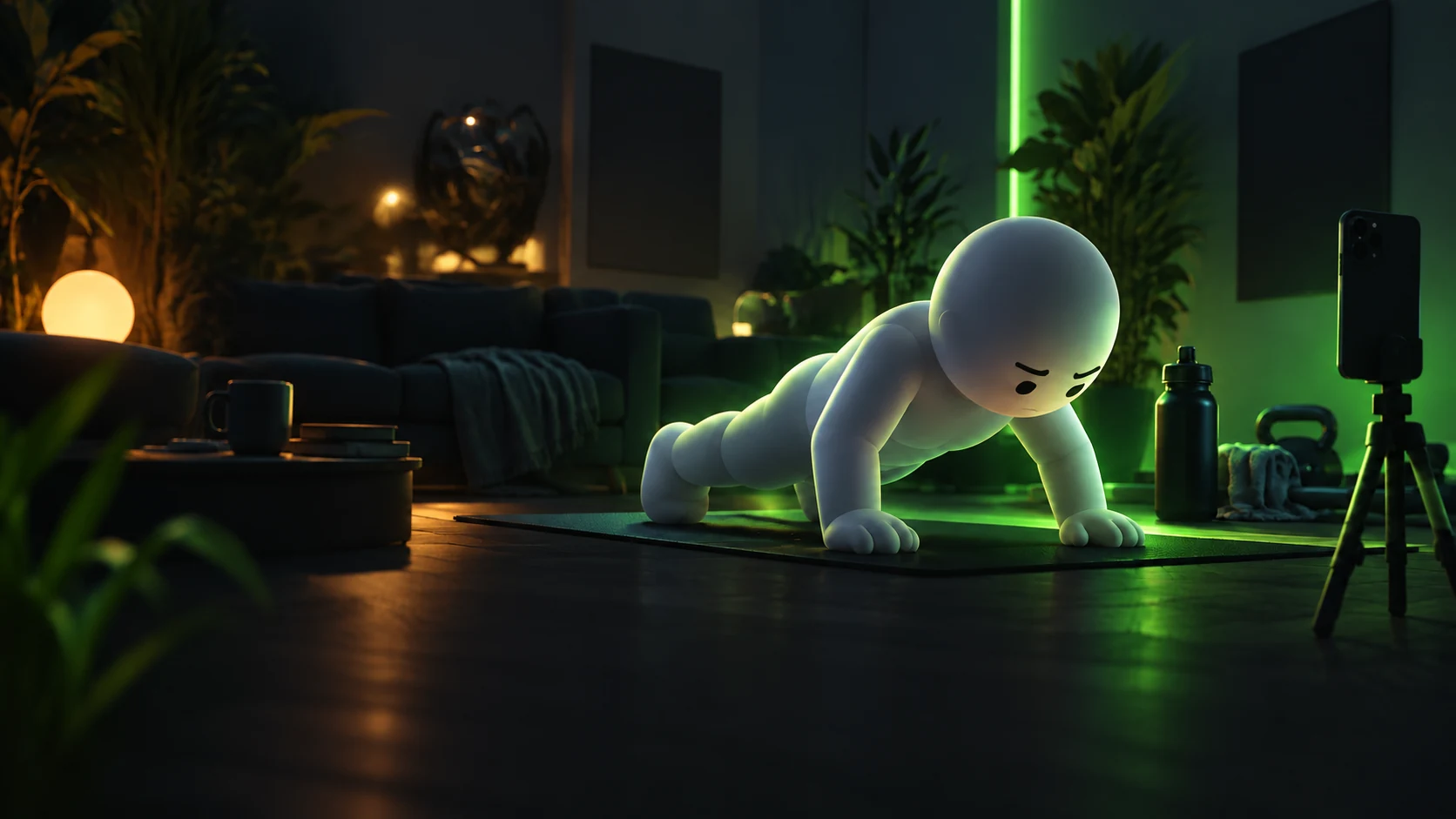
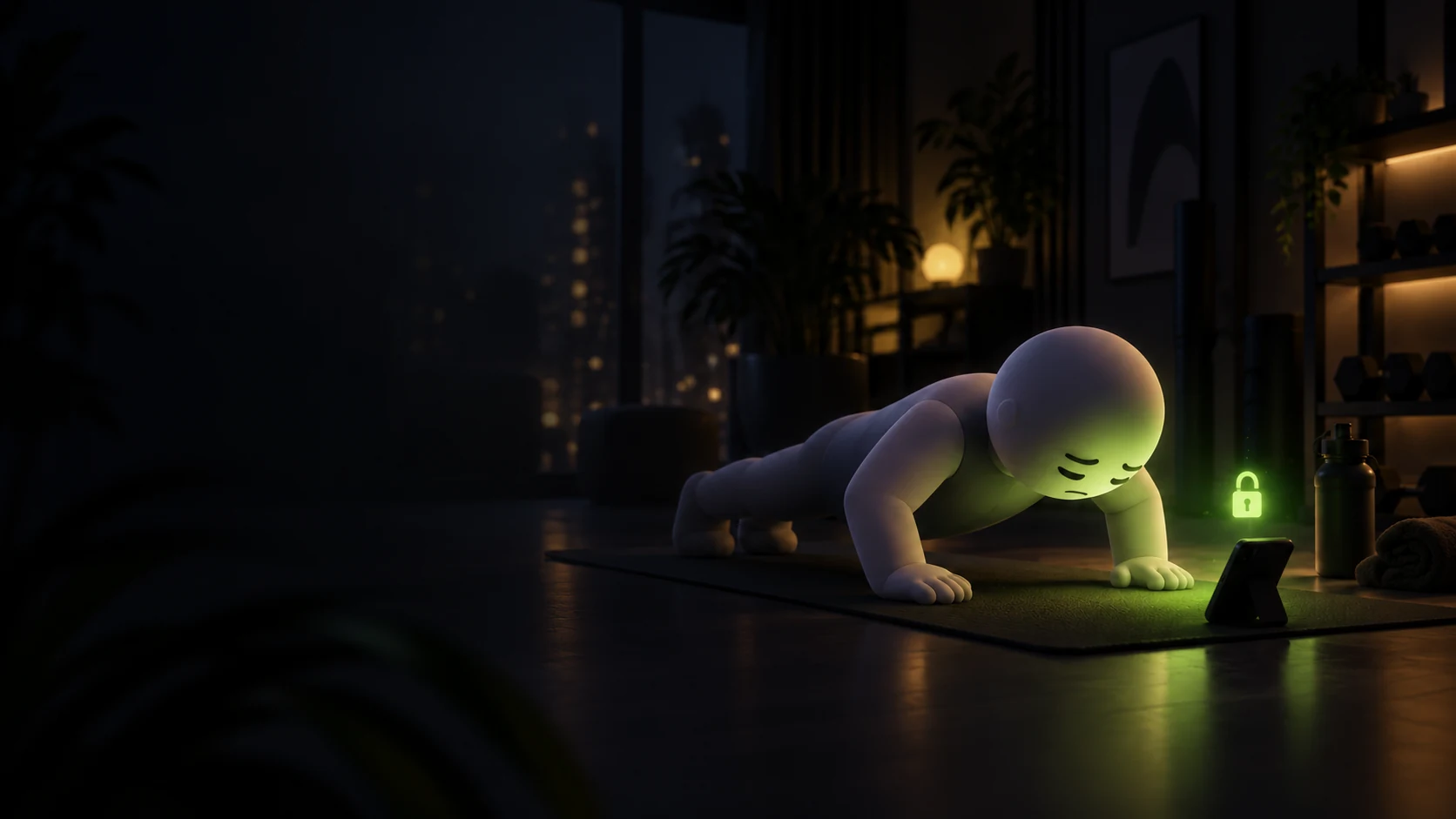
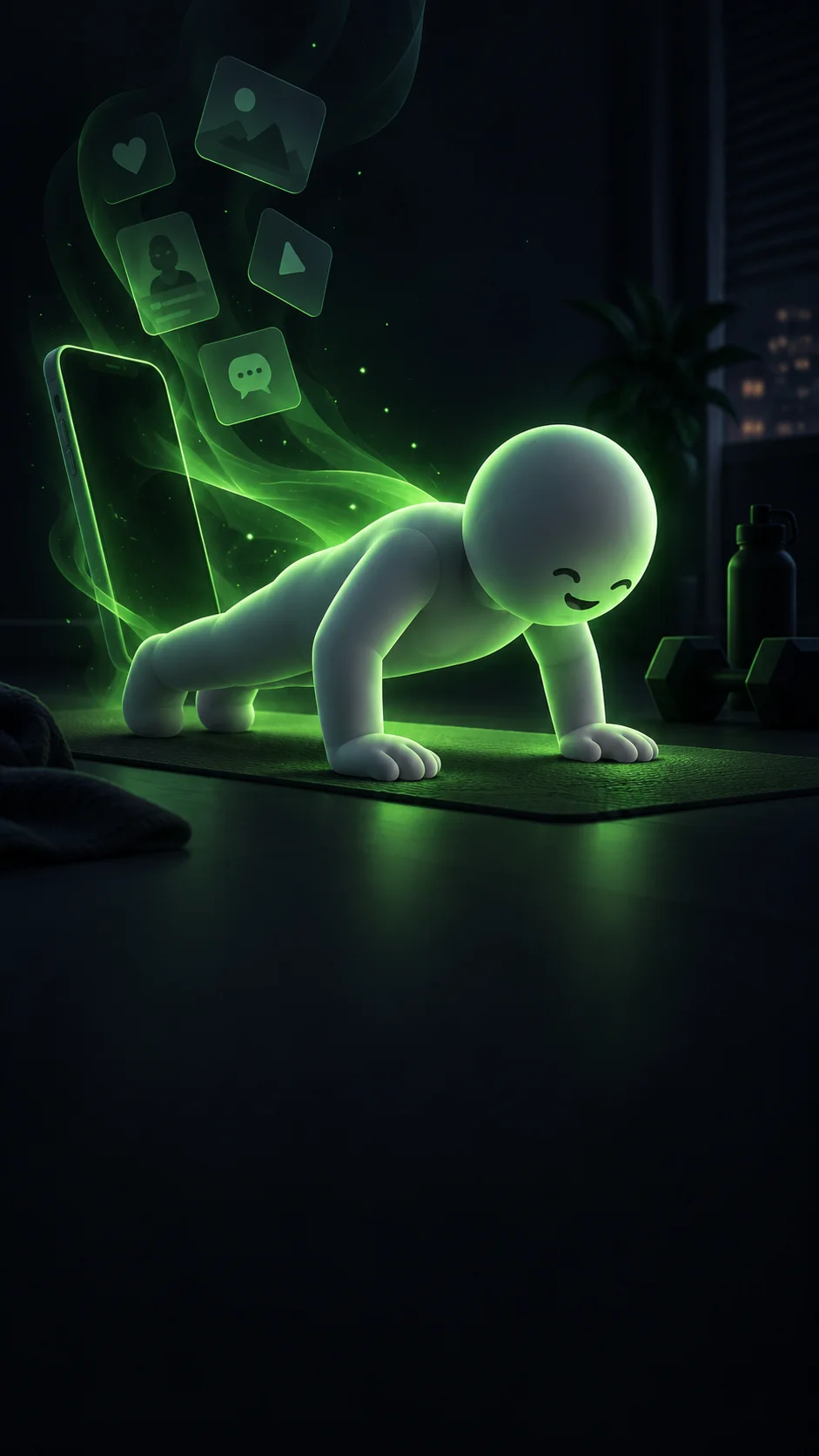
A silent 30-second film. A white figure sits hunched over a glowing phone while a feed scrolls faster and faster, notifications pop up and a screen-time counter climbs to 4h 12m. At 4h 12m a day, that adds up to 64 days a year, spent looking down. The feed freezes and a lock drops onto it: what if scrolling cost something? Outscroll’s green mascot does push-ups in front of the phone and the camera counts them; camera frames never leave the phone. 10 push-ups at 3.5 minutes each earn 35 minutes. The mascot jumps as its padlock opens, every blocked app unlocks at once, and the clock runs only while one of them is open. The film ends on the Outscroll logo, the words Move first. Scroll later., and the App Store and Google Play badges.
Inside the app
From the first rep to the moment you unlock.
Movement becomes minutes
Set your phone down and step into view. On-device pose detection follows your movement, counts your reps, and gives you a live form score as you earn minutes.
A pause before the scroll
A blocked app stops at a lock screen; open the unlock screen to choose a quick exercise or spend your earned minutes.
Your effort, ready to spend
Home brings your available minutes, streak, daily goal, and exercises together. Your balance is what you have earned and have not spent—not a daily screen-time cap.
Build a little consistency
Follow a training plan built for your goal, with or without dumbbells. On Home, finish the day's goal to keep your streak going and open the daily chest.
See your own progress
Look back at your activity by day, week, or month. Filter the chart by exercise to see the reps you have completed over time.
Something to aim at
Over a hundred badges for streaks, reps, holds, steps, and firsts. Every one is visible from day one, with a bar counting toward the next, so there is always one within reach.
Built differently
The phone does the watching.
Nobody else gets a seat.
While you exercise, pose detection processes camera frames in your phone’s memory. The app uses body positions to count reps and timed holds.
Those frames never touch disk and never leave the device. No saved workout video. No upload to a server. No account to connect it to.
The camera verifies the exercise. You don’t tap a button to award yourself a rep.
Spend minutes on a deliberate break. Your chosen apps lock again when the session ends.
Find your movement
Choose a quick exercise, a complete workout, a recovery session, or a structured program built for your level.
Find your starting point. Make it your own.

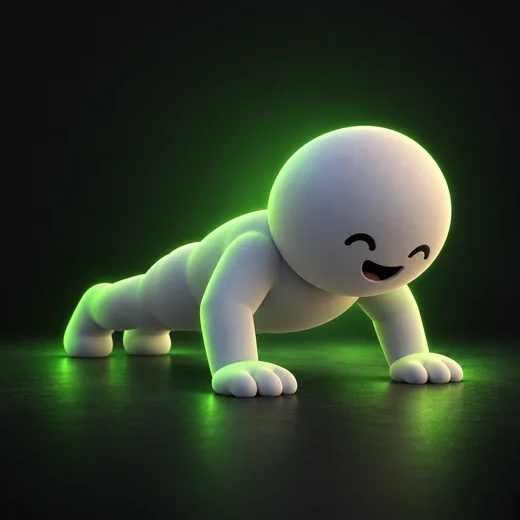 Push-ups
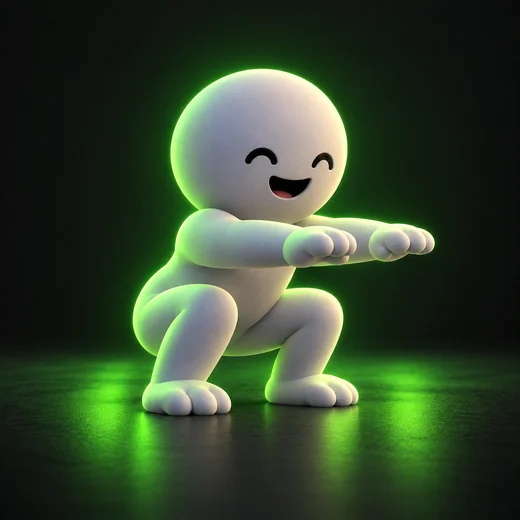 Squats
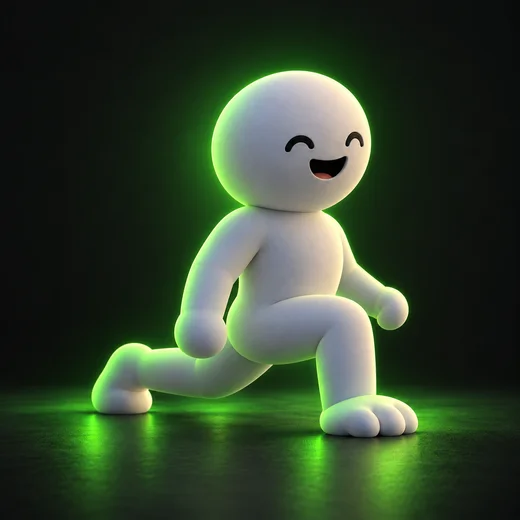 Lunges
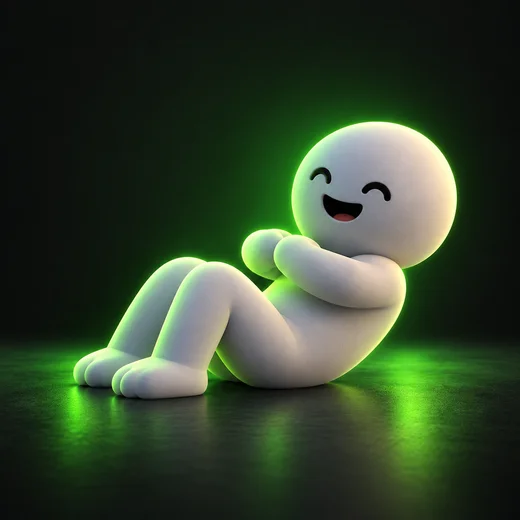 Sit-ups
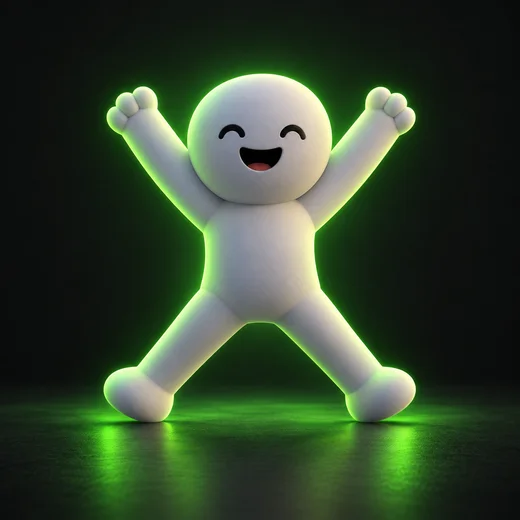 Jumping jacks
A healthier you, beyond the scroll.
A few good questions
The camera is used to detect your pose during exercise. Frames are processed on the phone, in memory. They are never saved as video, written to disk, or uploaded.
No. Outscroll is designed to work on your device without an account. The optional launch email list on this website is separate from the app.
{APP} is a subscription that starts with a 7-day free trial. After the trial, pick a monthly or yearly plan, and look out for offers that lower the price. Cancel in the store before the trial ends and nothing is charged.
Moving earns minutes, and your steps count too. When you open a blocked app, spend minutes on an unlock or do a quick exercise right there. If you lock it again early, the minutes you did not use come back.
No. Every exercise and plan works with your bodyweight alone. If you have dumbbells, tell your plan and it mixes them in.
Yes. Pick them during setup or later in Settings, and change them whenever you like. Blocking needs a few system permissions, which you can also grant later.
Set your phone somewhere stable and keep your whole body in view. Good light, a clear background, and enough distance help the app see the movement. The camera counts reps for repeated movements and time for holds.
Yes. Your minutes, workouts and blocking all run on your phone. You only need a connection to start your trial, subscribe or restore a purchase.
Outscroll is being tested on Android now, and the iPhone version comes next. There is no public launch date yet. When email signup opens, you can leave your address for launch updates.
A little movement goes a long way
Your next break starts with a little movement.
Email signup isn’t open yet. Check back for launch updates.

 5 Push-ups
 17 Jumping Jacks
 17 Squats
 15s
15s 8
8



 Lv. 1
Lv. 1